
MagicFrame / Naim
Your Naim on the big screen
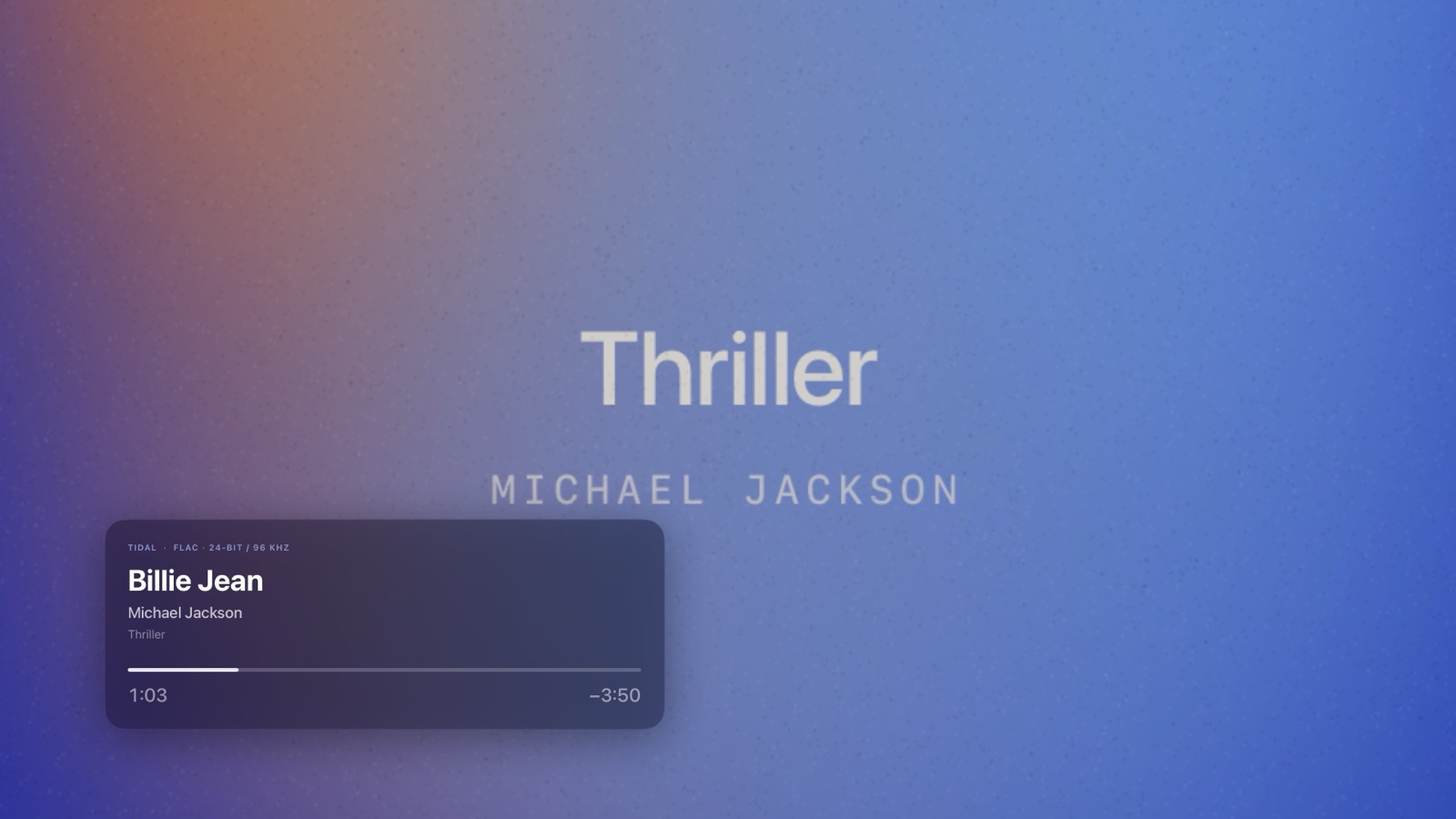
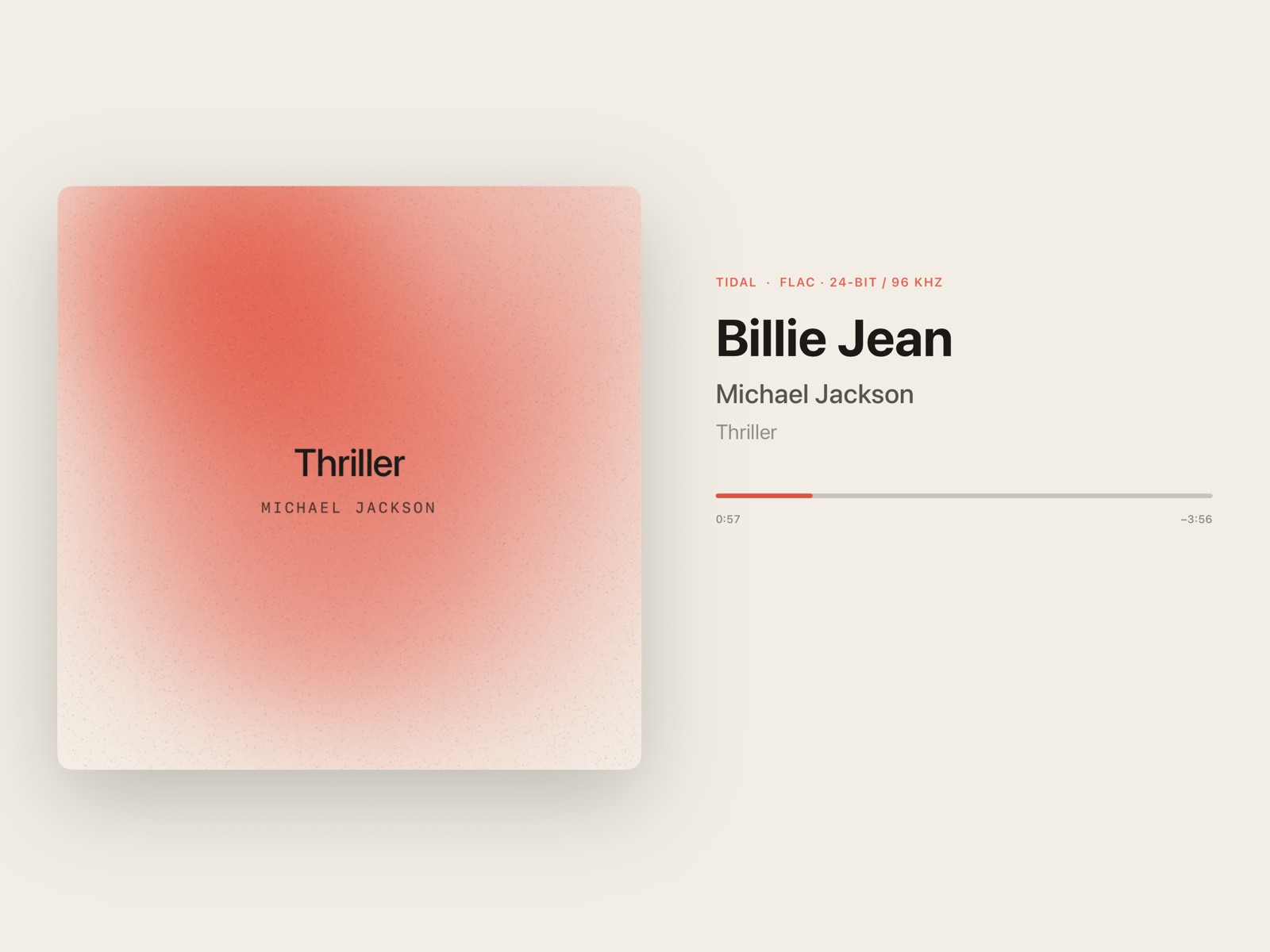
MagicFrame shows what your Naim is playing on Apple TV, iPad or iPhone: big album art, title, artist and album, plus the story behind the song. The music stays on the Naim.
Free to download. Pro is a one-time purchase you can try for 14 days.
What you see and control
MagicFrame shows whatever the Naim reports, from Qobuz, TIDAL Connect, Spotify Connect, AirPlay or radio, and updates with every track.
You control playback, volume, inputs and the favorites you saved as presets in the Naim app. When the Naim goes to standby after a few quiet minutes, MagicFrame says so and turns it back on with one button. Seeking doesn't work over AirPlay, because the Naim ignores the command there.
Setting it up
- Set up the Naim with the Naim app, as usual.
- Open MagicFrame on Apple TV, iPad or iPhone on the same network and allow local network access.
- MagicFrame finds the Naim under its room name, such as Kitchen. If it doesn't, enter its IP address in Settings.
Tested with the Mu-so Qb
My test unit is a first-generation Mu-so Qb. Other Naim streamers you control with the Naim app use the same interface and should work the same way, for example a second-generation Mu-so or a Uniti. If something doesn't work for you, email me at support@vollweiter-info.de with your model.
Naim questions
Can I listen to Qobuz in hi-res and still see the album art on my TV?
Yes. Qobuz keeps playing directly on the Naim at full resolution, and MagicFrame on the Apple TV only shows the cover and title. You don't need to send the sound to the Apple TV over AirPlay for this.
Why does MagicFrame say the Naim is in standby?
After a few minutes without music, a Naim goes to standby and stops reporting what's playing. MagicFrame shows that, with a button to turn it on.
Do I need Roon for this?
No. MagicFrame talks directly to the Naim on your home network.
Can I try it without a Naim?
Yes. Demo mode in Settings plays a simulated track with every feature.
Try it with your Naim
Also works with WiiM, Cambridge Audio, Sonos and HEOS.