
MagicFrame / WiiM
Your WiiM on the big screen
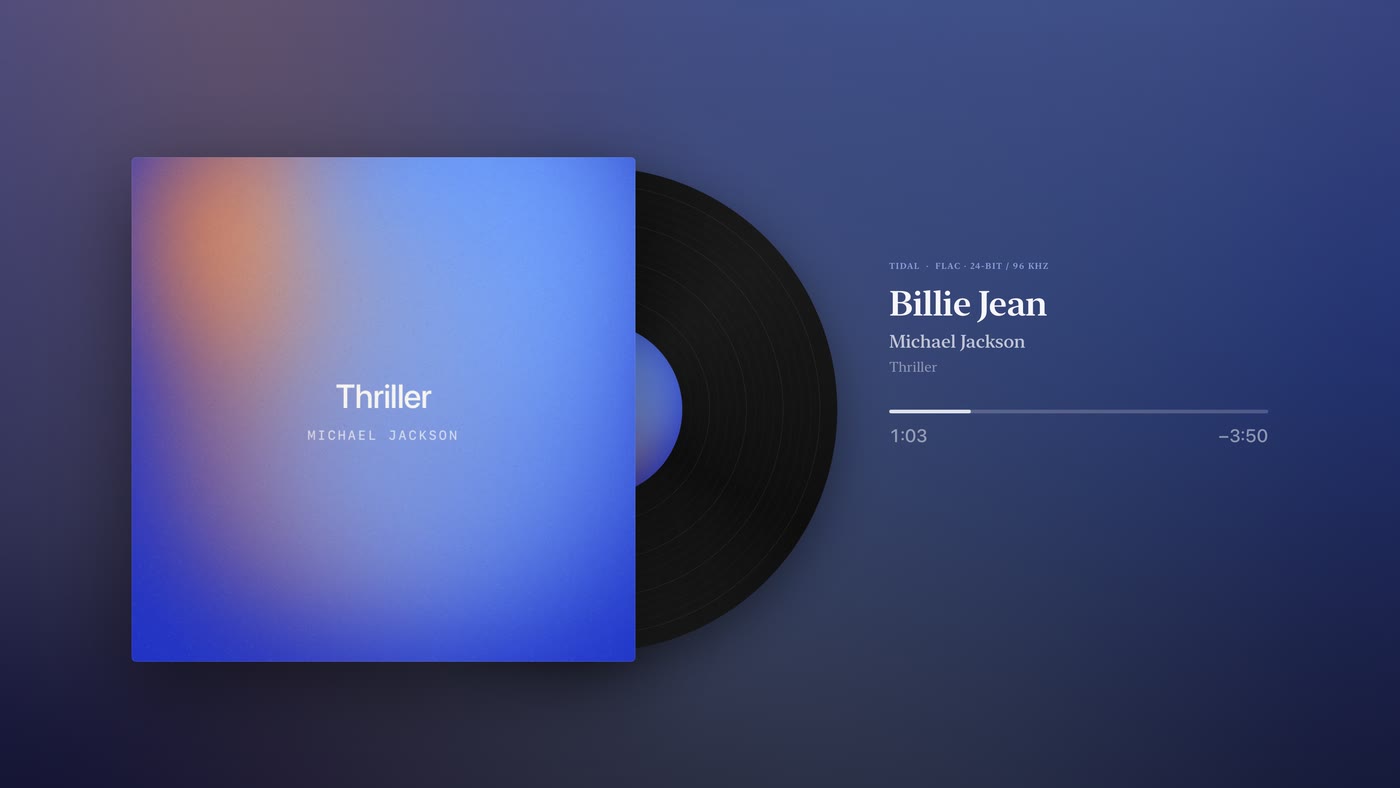
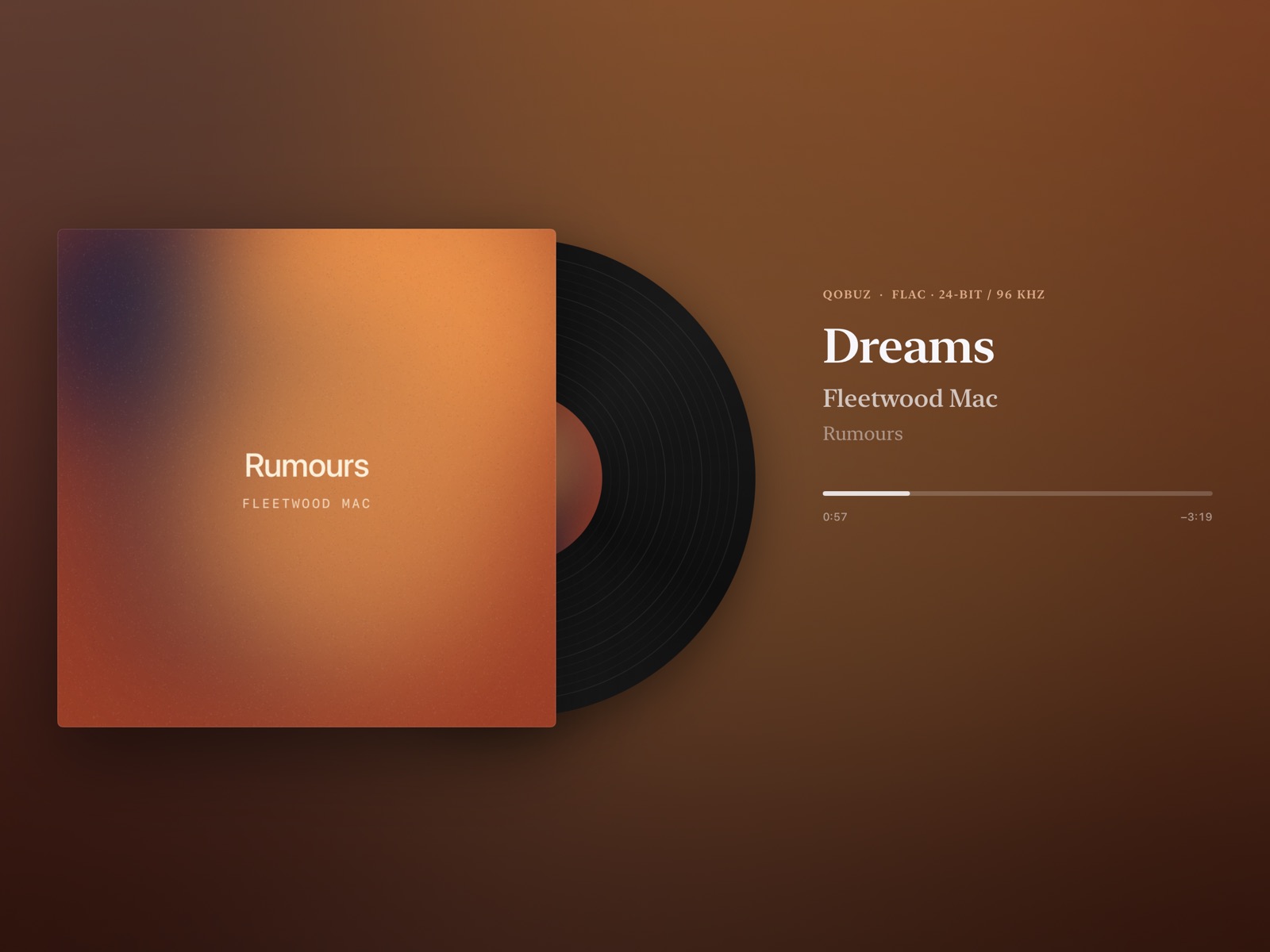
MagicFrame shows what your WiiM is playing on Apple TV, iPad or iPhone: big album art, title, artist and album, plus the story behind the song. You can control the WiiM from there too.
Free to download. Pro is a one-time purchase you can try for 14 days.
What you see and control
MagicFrame shows whatever the WiiM reports, from Spotify Connect, TIDAL Connect, AirPlay or internet radio, and updates with every track. With AirPlay, MagicFrame fetches the cover straight from the WiiM.
You control playback, next and previous track, volume, the presets from the WiiM Home app and the inputs, such as line-in or Bluetooth. MagicFrame can't switch a WiiM on or off, because the WiiM offers no command for it.
Setting it up
- Set up the WiiM on your Wi-Fi with the WiiM Home app, as usual.
- Open MagicFrame on Apple TV, iPad or iPhone on the same network and allow local network access.
- MagicFrame finds the WiiM on its own. If it doesn't, enter its IP address in Settings.
Tested with the WiiM Amp
Other WiiM devices such as the Mini, Pro, Pro Plus or Ultra use the same interface and should work the same way. If something doesn't work for you, email me at support@vollweiter-info.de with your model.
WiiM questions
Doesn't WiiM have its own Apple TV app?
Yes, WiiM offers its own TV app. MagicFrame puts the weight elsewhere: themes you can design yourself, song info from Wikipedia and a landscape layout for iPad. If there's also a Sonos, Naim or Cambridge Audio streamer in the house, the same app shows that one too.
Does the sound go through the Apple TV?
No. The music keeps playing through the WiiM, and the Apple TV or iPad only shows the picture.
I have two WiiM devices. Which one is shown?
At launch, MagicFrame asks which one you want to see. In Settings you can set a default for each device, for example the living room WiiM on the Apple TV and the kitchen one on the iPad.
Can I try it without a WiiM?
Yes. Demo mode in Settings plays a simulated track with every feature.
Try it with your WiiM
Also works with Naim, Cambridge Audio, Sonos and HEOS.