
For Apple TV, iPad and iPhone
The display for your streamer
MagicFrame shows what your Sonos, WiiM, Naim, Cambridge Audio, Denon or Marantz is playing. The album art fills your TV or the iPad next to your hi-fi, along with the title, the album and the story behind the song.
Free to download. Pro is a one-time purchase you can try for 14 days.
- Works with
- Cambridge Audio
- WiiM
- Naim
- Sonos
- HEOS
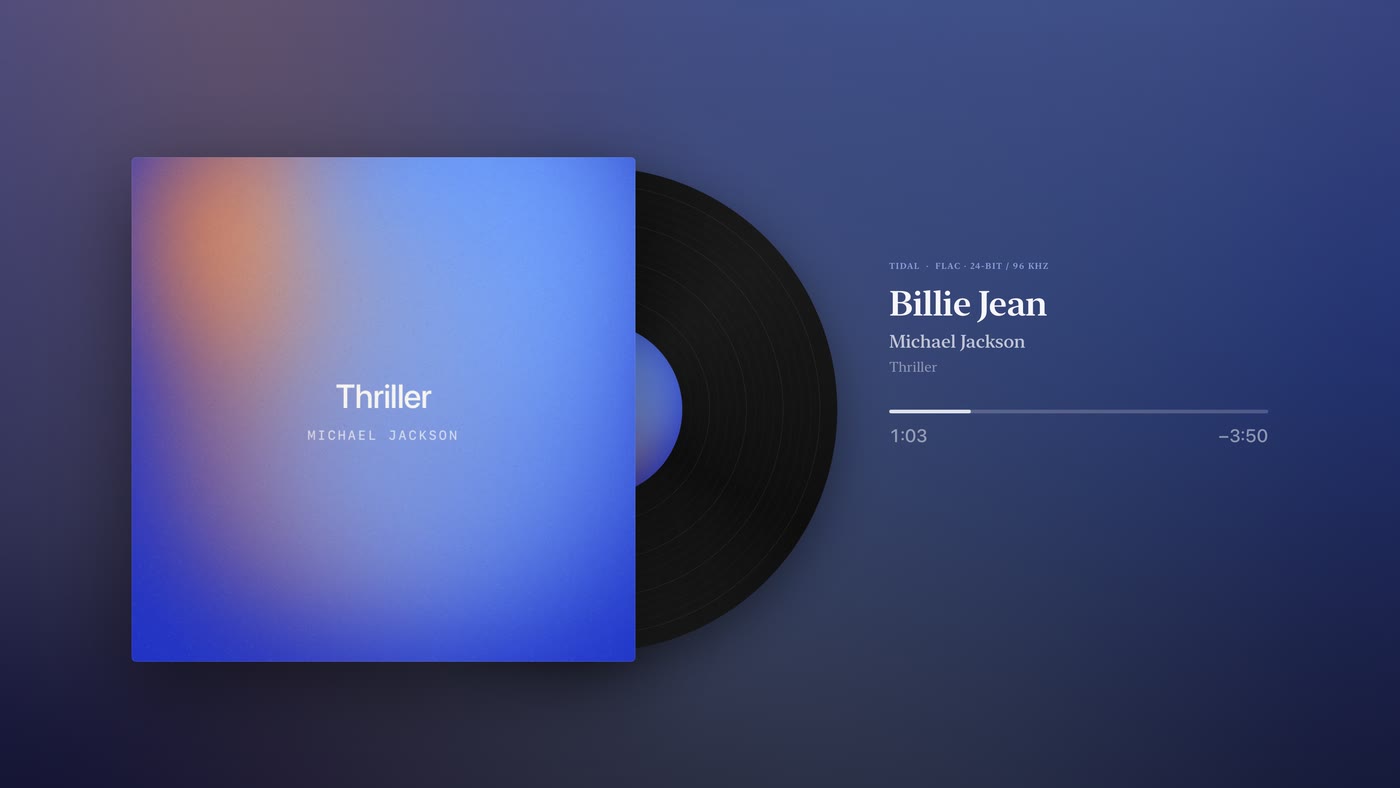
On the TV between your speakers
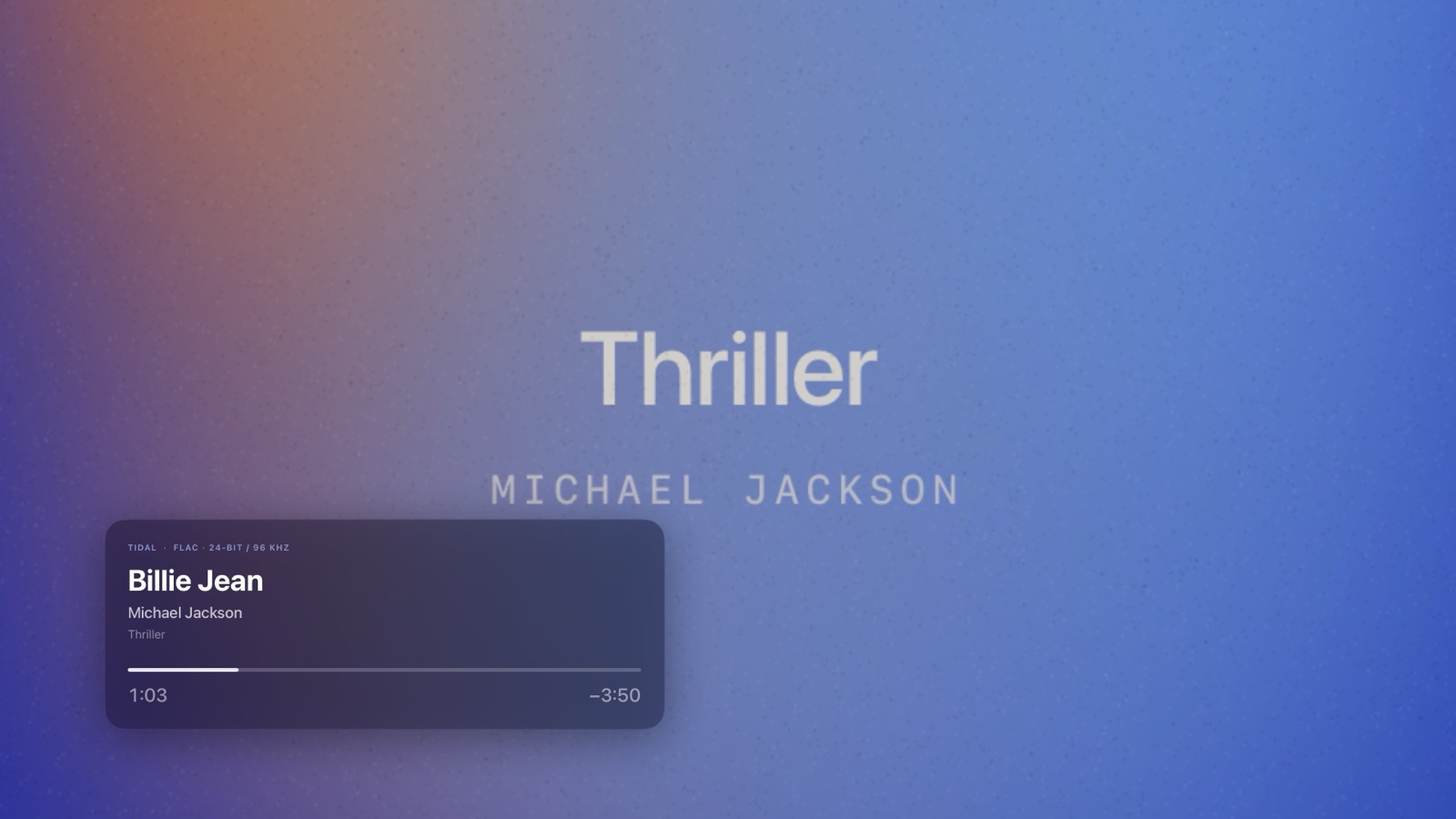
The display on your streamer is hard to read from the sofa, and the TV is often right there between the speakers. With MagicFrame on Apple TV you see the album art there and how long the track has left, and the remote controls the streamer too.
The sound doesn't take a detour through the Apple TV. Your streamer keeps playing the music at whatever quality it arrives in, and MagicFrame only reads what's playing.
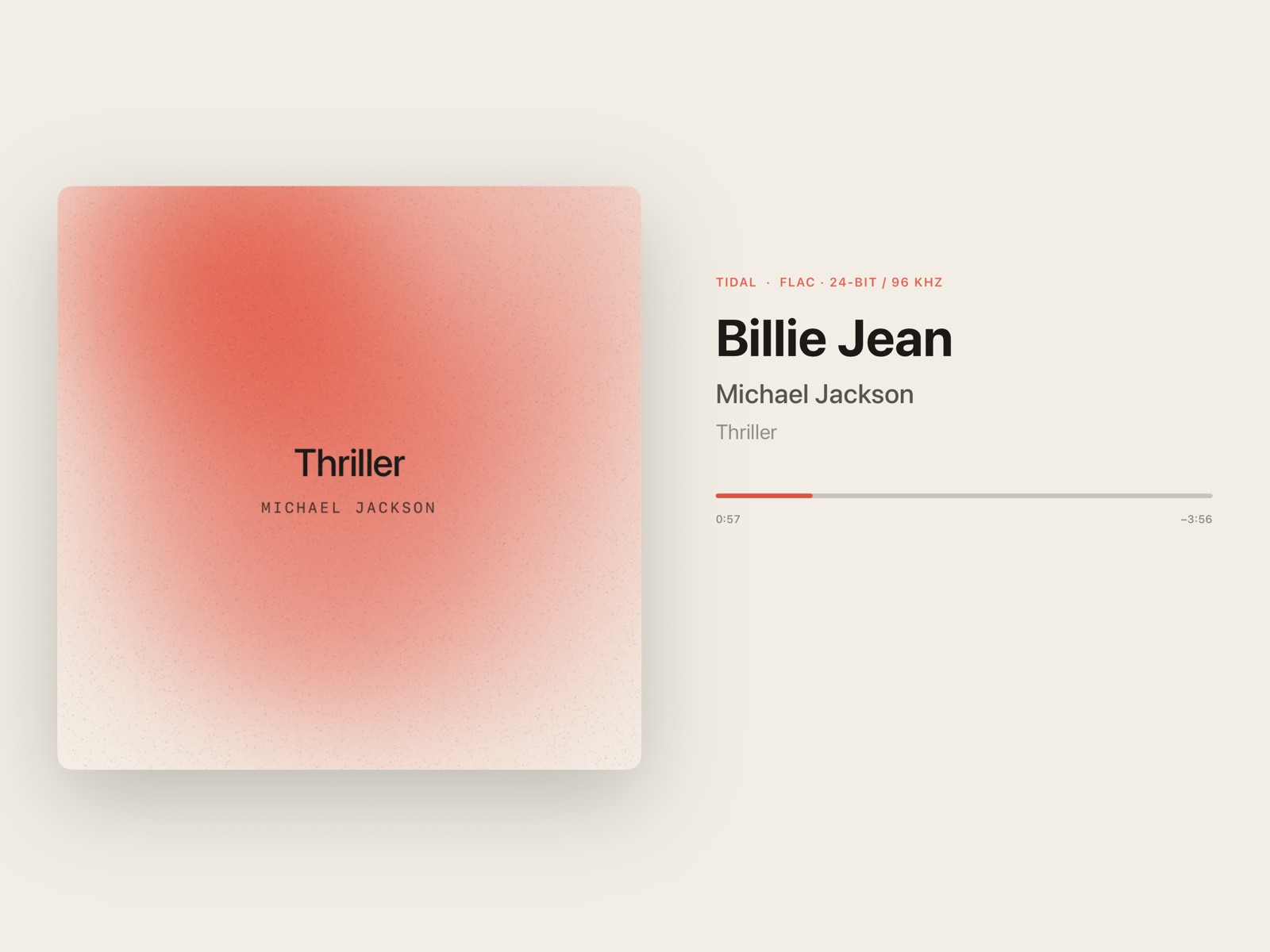
On the iPad next to your hi-fi
An iPad on a stand next to the amp becomes a picture frame for the album and changes with every song. It works in portrait or landscape, in eight themes from Paper to Photos.
At night the Nightstand theme shows a big clock, and a screen saver protects the display from burn-in.


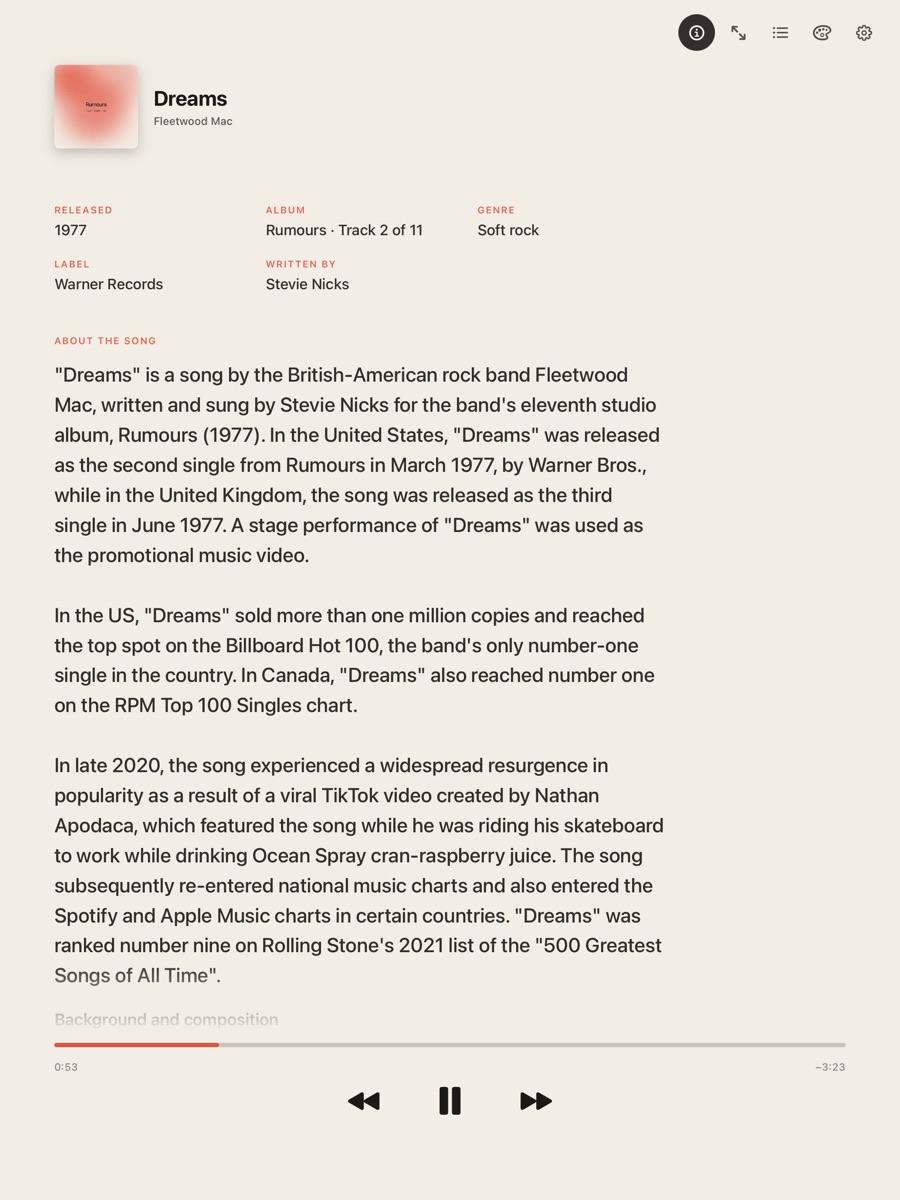
More about the song
Tap the info button and MagicFrame shows what Wikipedia and Wikidata know about the song, the album and the band: when it came out, who wrote it, which label put it out and how it was recorded.
Song info is part of MagicFrame Pro.
New in version 1.4
- Siri and ShortcutsSay “Pause MagicFrame” or “Turn up MagicFrame”, or start a favorite with “Play” and its name. The Shortcuts app has every action for playback, tracks, volume and favorites. MagicFrame doesn't need to be open.
- Control Center, Lock Screen and Action button“Play/Pause”, “Next Track”, “Volume Up” and “Volume Down” are available there as controls.
- What was that song?“Recently Played” lists the last tracks with their covers, also from the radio. You can also switch the history off. With MagicFrame Pro.
- Open tracks in your music serviceTap a track in the history to open it in Apple Music, Spotify, YouTube Music, Deezer, TIDAL or Amazon Music, whichever you pick under “Open In”. With MagicFrame Pro.
- Photos while nothing playsInstead of the big clock, MagicFrame shows a slideshow of photos you pick, with a small clock in the corner. When music starts, the cover is back. With MagicFrame Pro.
- New Photos themeYour photos as the background, with just the title and controls in front and no cover. With MagicFrame Pro.
Siri, Shortcuts, the controls and the photos are available on iPhone and iPad. On Apple TV, “Recently Played” lists the last tracks without links to music services.
What else MagicFrame does
- Finds your streamers on its ownIf there's more than one on the network, MagicFrame asks once at launch which one to show.
- A default streamer per deviceThe iPad in the kitchen shows one streamer, the Apple TV in the living room another.
- Control without opening the maker's appPlayback, volume, sources and favorites, and on Cambridge Audio and Naim also power.
- Your own themesThe theme editor sets the font, sizes, colors, background, cover and motion.
- Cover art for radio and AirPlay tooIf the streamer sends no picture, MagicFrame looks up the cover in the iTunes catalog.
- No account, no ads, no trackingMagicFrame talks to your streamer, and to Wikipedia and Apple for song info and cover art. Only the track you open goes to a music service. Your history and photos stay on your device.
Which streamers work?
MagicFrame connects straight to the streamer on your home network. It works with these brands:
- Cambridge Audiostreamers with StreamMagic, tested with the Evo 150Details
- WiiMtested with the WiiM AmpDetails
- Naimtested with the Mu-so QbDetails
- Sonosevery speaker on Wi-Fi, grouped or notDetails
- HEOSDenon and Marantz with HEOS Built-inDetails
No streamer? Try everything in demo mode. Yours isn't listed? Email me at support@vollweiter-info.de.
Setting it up
- Download MagicFrame from the App Store on Apple TV, iPad or iPhone.
- Allow local network access on first launch. The device and the streamer need to be on the same network.
- MagicFrame finds the streamer and shows what's playing. If there are several, pick one.
Free and Pro
The basic display in the Paper theme with playback, volume, favorites and Siri is free. MagicFrame Pro unlocks all themes, the theme editor, song info, the full-size cover, the track history and the photos.
Pro is a one-time purchase with no subscription, works with Family Sharing and covers Apple TV, iPad and iPhone. Try everything free for 14 days first.
Questions
How do I get my streamer's album art on the TV?
Put MagicFrame on an Apple TV connected to the TV. It finds the streamer on your home network and shows the album art, title, artist and album, while the music keeps playing through the streamer as usual.
Do I need Roon, a Raspberry Pi or other hardware?
No. MagicFrame runs on Apple TV, iPad and iPhone and connects directly to the streamer.
Does the sound go through the Apple TV?
No. The music stays on the streamer, and the Apple TV or iPad only shows the picture. Sound quality stays exactly as it was.
What does MagicFrame show for Spotify Connect, TIDAL Connect, AirPlay or radio?
Whatever the streamer reports: album art, title, artist, album and the active source, and depending on the streamer also format and resolution. If the streamer has no cover, MagicFrame looks for one in the iTunes catalog.
Can I try MagicFrame before I buy?
Yes. The basic display stays free, and you can try Pro for 14 days. Without a streamer, demo mode shows every feature.
My streamer isn't listed. Will it be added?
Email me which model you have. I add new makers once I can test them on my own network.
Try it with your streamer
For Apple TV, iPad and iPhone. One purchase covers all three.